Discover IPTV Smarters Pro: Latest Version, Design & Features
Amanpreet Singh5 min read
If you have been searching for the original IPTV Smarters experience, the latest Smarters Pro version offers a modern combination of clean design, playlist management, search, Favorites, playback features, and multi-device support.
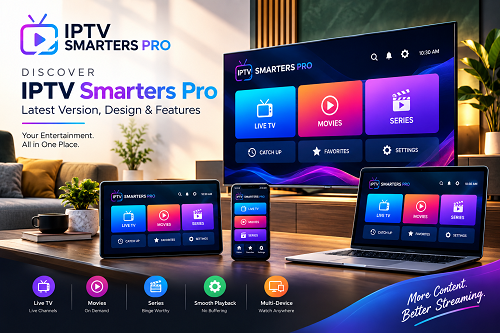
If you are still searching for the original IPTV Smarters Media Player with a cleaner interface, improved navigation, and useful playback features, the latest version of IPTV Smarters Pro is worth exploring. Modern media players are expected to do more than simply play videos. Users now want easier playlist management, quick content discovery, smooth playback, and compatibility across multiple devices.
The latest Smarters Pro updates focus on making the overall experience more convenient while maintaining a straightforward and familiar design. The official platform describes Smarters Pro as a versatile media player supporting M3U and JSON playlists, with compatibility across several major platforms.
A Fresh and Modern Design
One of the first things users notice when moving to a newer version is the interface. A good media player should make it easy to find playlists, browse categories, search for content, and access playback controls without unnecessary complexity.
The latest design direction puts greater emphasis on clean navigation and organized content. Instead of making users move through complicated menus, the interface is designed to keep commonly used options easy to access.
This is particularly useful for people who manage multiple playlists or use the same media player across different devices.
Recent platform updates have also introduced improvements such as refined navigation, enhanced playlist management, faster responsiveness, and interface improvements.
Why Choose the Latest Version?
Using an updated application can make a noticeable difference to the overall experience. Updates can introduce new functionality, resolve bugs, improve compatibility, and optimize performance.
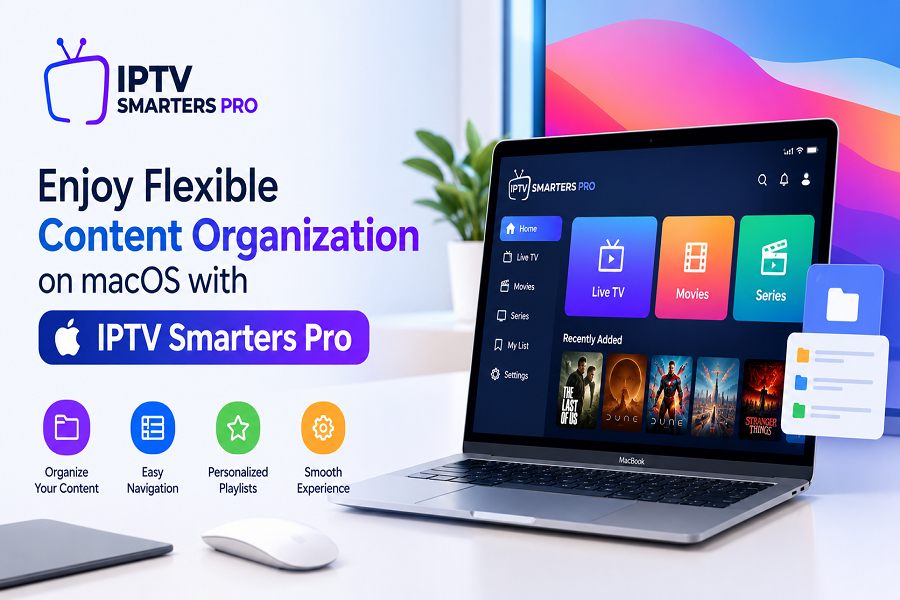
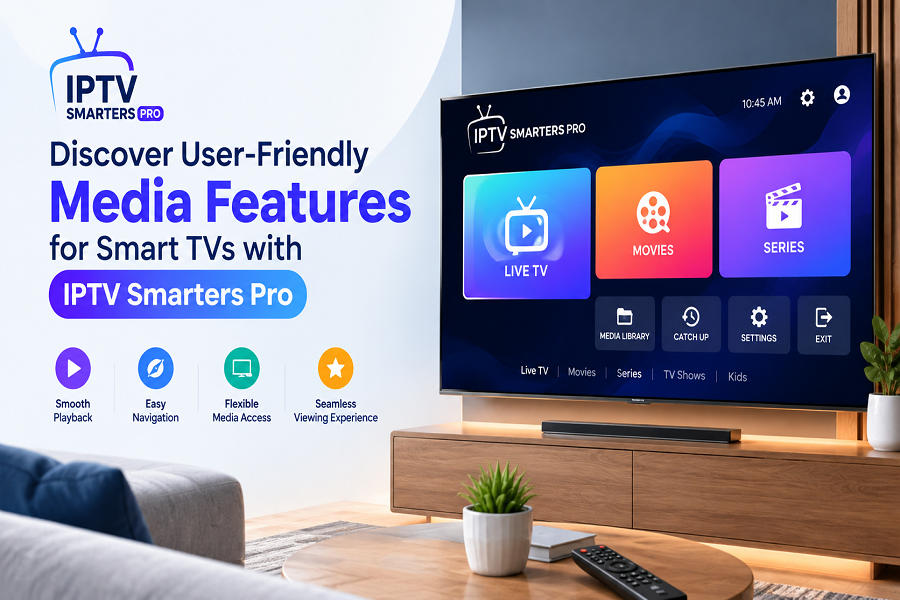
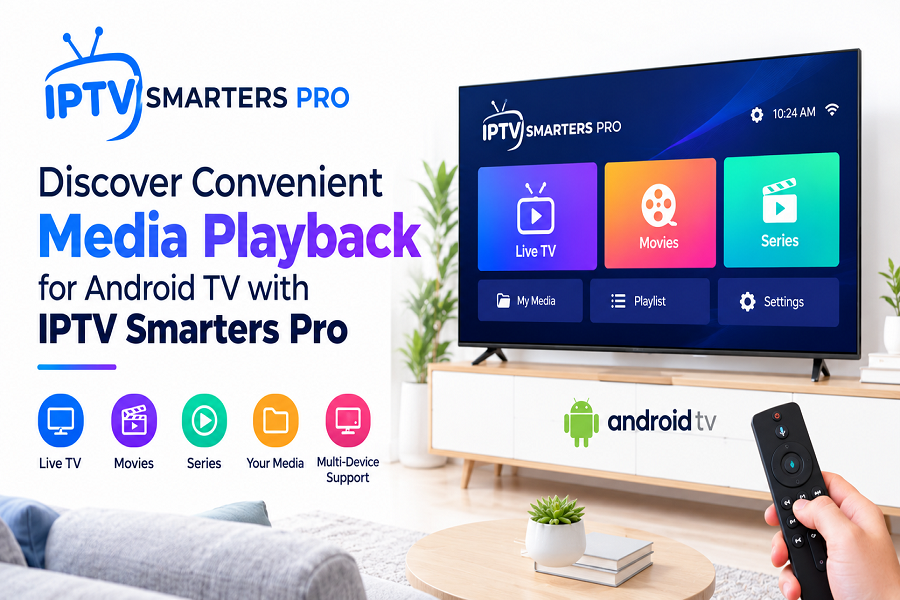
For Smarters Pro, recent updates have concentrated on areas such as playback performance, playlist organization, navigation, and device compatibility. The official website currently lists versions for platforms including Android, Android TV, iOS, Apple TV, Windows, macOS, Smart TVs, and Web.
Keeping your media player updated can therefore help you take advantage of the latest improvements instead of continuing to use an outdated build.
Multiple Playlist Support
Managing different playlists can become inconvenient when every source requires a separate application. Smarters Pro is designed to make playlist management easier by supporting multiple playlists.
The official features page highlights multiple playlist support, allowing users to organize different sources within the same application.
This can be particularly helpful for users who have separate playlists for different types of personal or provider-supplied media.
Powerful Search for Faster Discovery
Another useful feature is Master Search. Instead of manually browsing through large libraries, users can search for specific movies, series, channels, or other available media.
The official Smarters Pro feature list identifies Master Search as a way to locate content across movies, series, and channels.
For users with larger playlists, a strong search function can save considerable time and make the overall interface feel more responsive.
Favorites and Better Content Organization
Finding the same content repeatedly can be frustrating if you have to search for it every time. The Favorites feature provides a simple way to keep frequently accessed items within easy reach.
Smarters Pro supports adding content to Favorites, helping users create a more personalized browsing experience.
Combined with playlist organization and search functionality, this makes the application more practical for everyday use.
Support Across Multiple Devices
One of the biggest advantages of modern media players is flexibility. Users may watch content on a phone one day, a television the next, or a computer when working from home.
Smarters Pro is designed for multiple platforms, including Android, iOS, Smart TVs, Android TV, Windows, macOS, Apple TV, and Web.
This cross-platform approach means users can choose the device that best suits their situation without having to completely change their media-player experience.
EPG, Picture-in-Picture and Chromecast Support
The feature set goes beyond basic playback. Smarters Pro's official features page lists support for EPG, Picture-in-Picture, Chromecast, multiple playlists, parental controls, Favorites, and Master Search.
These features are designed to make the player more flexible. EPG can help users navigate scheduled programming, while Picture-in-Picture can make multitasking easier on compatible devices. Chromecast support can also provide a convenient way to move playback to a compatible display.
Feature availability can vary depending on the platform and application version, so users should check the relevant version for their device.
Is This the Original Smarters Pro Experience?
With multiple websites using similar names, finding the correct application can sometimes be confusing. This makes checking the official source especially important.The official IPTV Smarters Pro website provides platform-specific download options and identifies itself as the source for its media-player application. It also warns users about websites that may copy the IPTV Smarters Pro name or branding.
If you are looking for the original IPTV Smarters application, always verify the website, developer information, and platform listing before installing anything.
Get IPTV Smarters Pro and Explore the Latest Experience
If you have been searching for the original IPTV Smarters experience, the latest Smarters Pro version offers a modern combination of clean design, playlist management, search, Favorites, playback features, and multi-device support.
Rather than focusing only on basic playback, the application is built around making personal media and provider-supplied playlists easier to organize and access. It does not provide IPTV subscriptions or media content itself; users need their own compatible and authorized content or service credentials.
For users who want a flexible media player with a modern interface and support for multiple platforms, exploring the latest version can be a worthwhile upgrade.Ready to explore the latest Smarters Pro experience? Visit the official platform and choose the version compatible with your device.