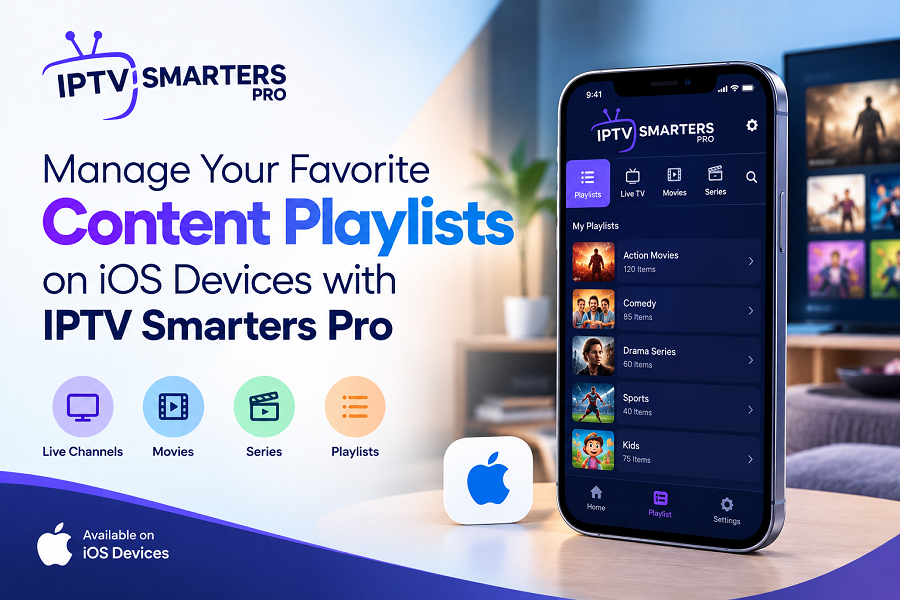
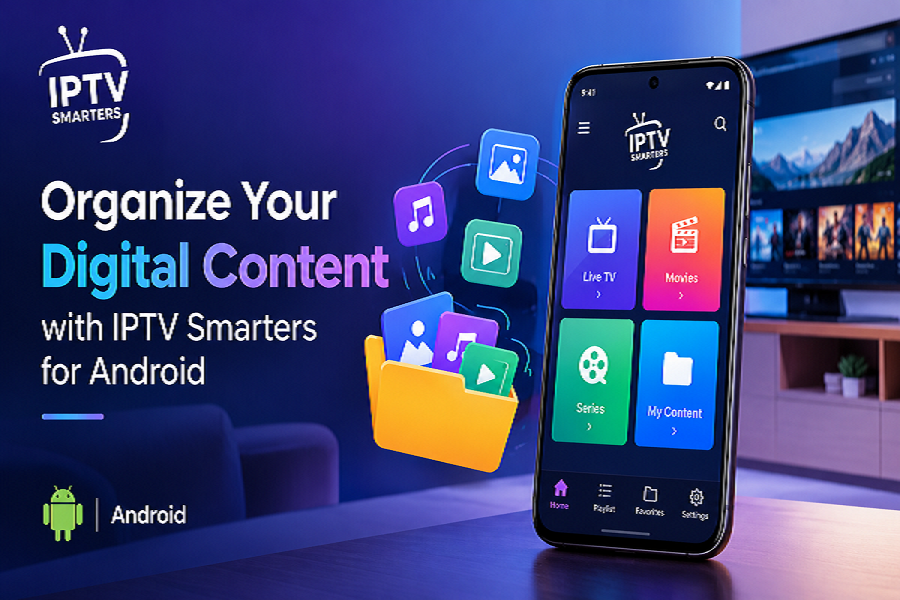
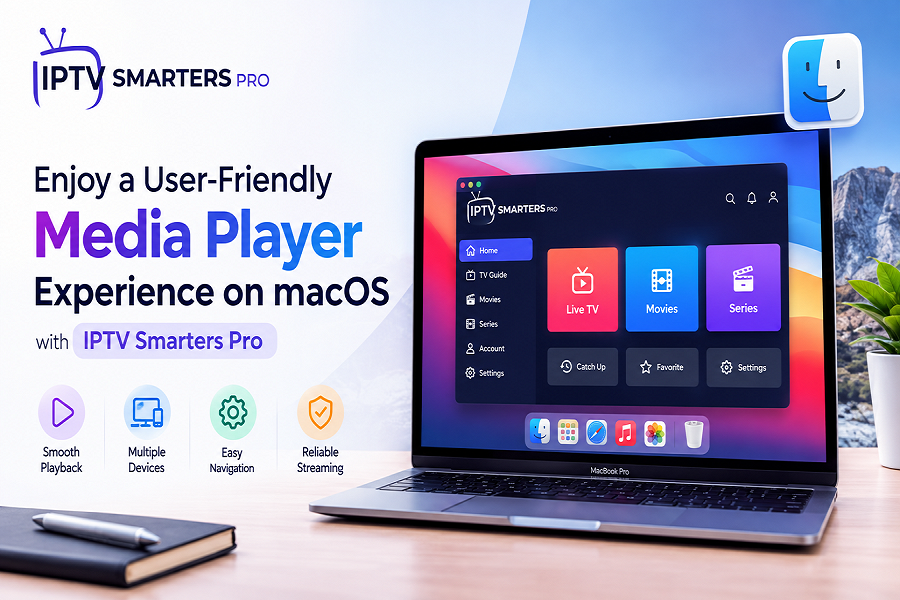
Discover Convenient Media Playback for Android TV with IPTV Smarters Pro
Amanpreet Singh4 min read
A comfortable playback experience starts with an interface that makes content easy to find and access. Users can explore their available playlists, select preferred media, and use straightforward controls without navigating complicated menus.
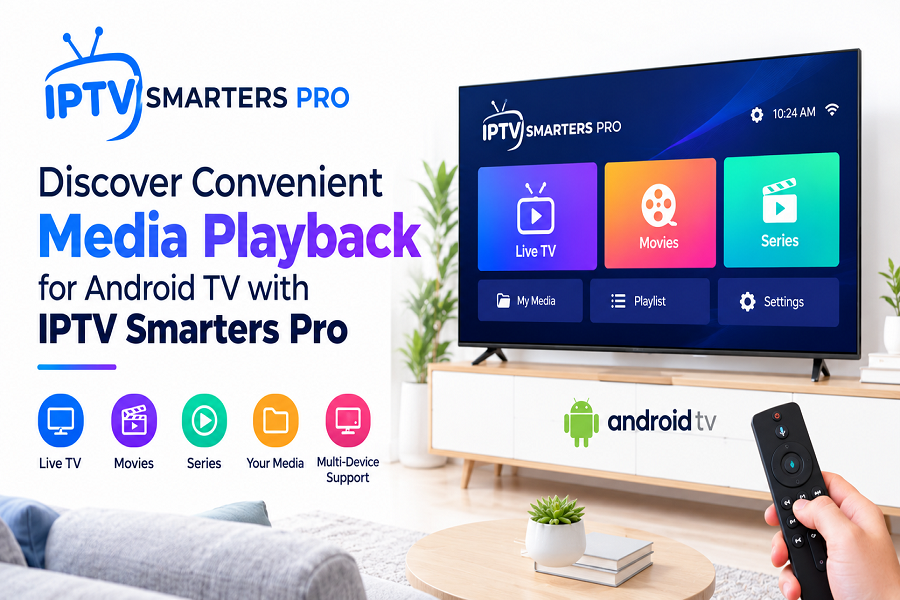
Enjoying digital entertainment on a larger screen becomes easier with a media player that offers simple navigation, flexible playlist support, and convenient playback controls. Android-based entertainment devices provide access to various applications that help users organize and enjoy their personal digital content. Choosing a suitable media player can improve how users browse movies, series, music, and other compatible media files.
IPTV Smarters Pro provides a user-friendly interface designed to help users manage and play their personally owned or authorized digital content. Its practical features and customizable settings make media browsing more convenient across supported Android devices.
Enjoy Convenient Media Playback on Android Devices
A comfortable playback experience starts with an interface that makes content easy to find and access. Users can explore their available playlists, select preferred media, and use straightforward controls without navigating complicated menus.
With IPTV Smarters Pro for Android TV, users can access compatible playlists and enjoy their permitted digital content through a supported Android-based entertainment device.
Key benefits include:
Simple navigation: Browse available media through an organized interface.
Flexible playlist management: Add compatible playlists to access supported content.
Convenient playback controls: Manage playback using available player options.
Personalized settings: Adjust supported preferences according to individual needs.
Organized media access: Keep compatible content easier to browse and manage.
These features can help users create a more convenient media experience suited to their everyday entertainment preferences.
Explore Flexible Playlist Compatibility
Playlist compatibility is an important consideration when selecting a digital media player. Different users may organize their content through different formats, so support for commonly used playlist types can make media management more straightforward.
M3U and JSON Playlist Support
The application supports compatible M3U and JSON playlists, allowing users to add supported content through the appropriate playlist configuration. This flexibility helps simplify access to personal media collections and authorized content sources.
Users can benefit from playlist support in several ways:
- Add compatible playlists using the supported configuration method.
- Organize available media for easier browsing.
- Access supported content from permitted remote sources.
- Use compatible local media sources where supported.
- Update playlist information when necessary.
For the best results, users should ensure their playlists are valid and that they have permission to access the associated content.
Make Navigation Simple and Convenient
A well-organized interface can make a noticeable difference when browsing a large media collection. Clear menus and accessible playback options help users locate their preferred content without unnecessary steps.
Browse Movies, Series, and Music
Users can explore different categories of personal digital media, including movies, series, music, and other supported files. Organized browsing can reduce the time spent searching for particular items and make content selection more convenient.
Use Straightforward Playback Controls
Playback controls help users manage their viewing or listening experience. Depending on the device and supported features, available options may include pausing, resuming, seeking through media, adjusting playback preferences, and selecting supported audio or subtitle tracks.
These functions provide greater control over compatible content and help users customize their experience.
Customize Your Media Experience
Every user has different preferences for browsing and playback. Customization options can help make a media player more comfortable to use on compatible devices.
Depending on the available application version and device capabilities, users may be able to explore settings such as:
- Interface and appearance preferences.
- Playlist organization options.
- Supported external player configurations.
- Audio and subtitle selections.
- Playback-related preferences.
Taking a few moments to review these settings can help users understand the available features and configure the application according to their requirements.
Tips for Better Playback Performance
A reliable playback experience depends on several factors, including device compatibility, network quality, playlist configuration, and media format support.
Consider these practical recommendations:
- Check device compatibility: Confirm that your Android device supports the application version you intend to use.
- Use a stable internet connection: A reliable connection can improve playback when accessing authorized remote sources.
- Verify playlist details: Ensure that playlist information is accurate and properly configured.
- Keep the application updated: Install compatible updates when available to benefit from improvements and fixes.
- Review device storage: Maintain sufficient available storage for smooth device operation.
- Check media compatibility: Confirm that your selected files and formats are supported by the application and device.
Following these steps can help resolve common playback difficulties and support a more consistent experience.
Why Choose a User-Friendly Media Player?
A suitable media player combines accessibility, flexible content organization, and practical playback options. Rather than relying on complicated navigation, users benefit from tools that make their personal digital collections easier to manage.
An intuitive interface, compatible playlist formats, and customizable preferences can be especially useful for people who regularly access different types of digital media. Device compatibility and authorized content access should also remain important considerations when choosing an application.
Conclusion
Convenient digital entertainment begins with an application that makes media browsing, playlist management, and playback straightforward. With flexible playlist compatibility, accessible controls, and practical customization options, IPTV Smarters Pro offers a useful way to organize and play personally owned or authorized digital content on supported Android devices.
By checking compatibility, configuring playlists correctly, and exploring available settings, users can build a more organized and enjoyable media playback experience that suits their individual preferences.