Download the Latest IPTV Smarters Pro: New Look & Improved Media Player Experience
Amanpreet Singh6 min read
IPTV Smarters Pro is a media player designed to help users access and organize their own compatible media sources.
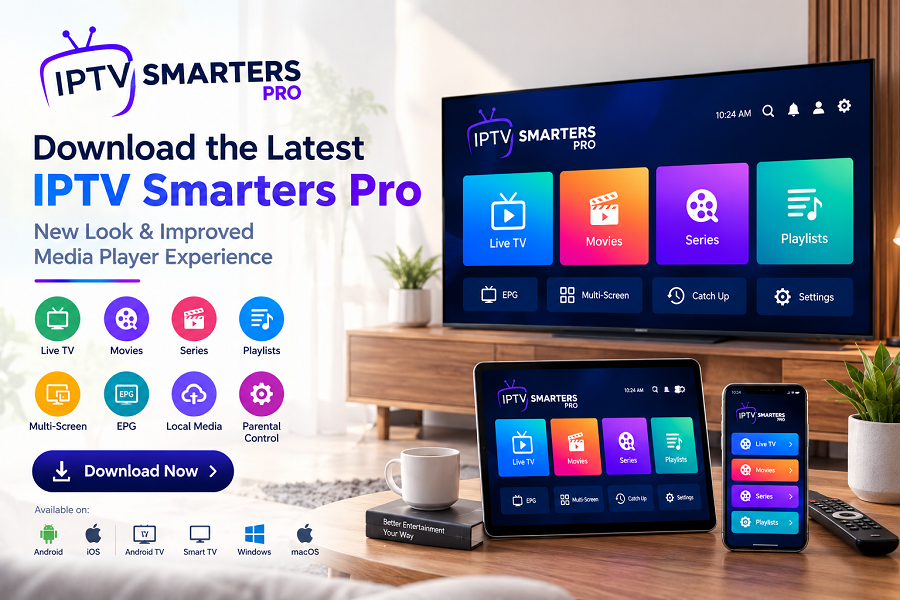
Looking for a better way to organize and play your compatible media? Download the latest IPTV Smarters Pro and explore a modern media-player experience designed for flexibility, simple navigation, and convenient playback across supported devices.
Whether you use playlists, local media, movies, series, or compatible live television sources, IPTV Smarters Pro brings different media options together through one easy-to-use player.
The latest version is designed around a clean and convenient viewing experience, with features such as M3U playlist support, EPG functionality, multi-screen viewing, parental controls, subtitles, favorites, search, external player support, and local media playback.
What Is IPTV Smarters Pro?
IPTV Smarters Pro is a media player designed to help users access and organize their own compatible media sources.Instead of providing its own content library, the application gives users a player environment where they can connect supported sources and manage their content from a single interface.
The platform supports different types of media, including compatible live television streams, movies, series, and files stored locally on a device.This makes IPTV Smarters Pro suitable for people looking for a flexible IPTV player, OTT media player, or modern media player rather than a traditional video player limited to individual files.
Why Download the Latest IPTV Smarters Pro?
Using an updated application can provide a more current experience and ensure that you are working with the latest version available for your supported device.
An updated media player can also be useful when you want access to the application's current features and interface improvements.IPTV Smarters Pro is designed to provide:
- A modern and intuitive interface
- Compatible M3U playlist support
- Electronic Program Guide functionality
- Multi-screen and multi-view options
- Local media playback
- Parental controls
- Subtitles
- Favorites
- Search functionality
- External player support
Explore the New IPTV Smarters Pro Experience
A media player should not make finding and managing content complicated.The latest IPTV Smarters Pro experience focuses on making navigation more straightforward while giving users greater control over how they access compatible media.
From organizing playlists to browsing movies and series, the interface is designed to keep commonly used media features within easy reach.For users who manage more than one compatible source, having these options available through a single player can make the overall experience more convenient.
M3U Playlist Support
One of the important features of IPTV Smarters Pro is M3U playlist support.Users can add compatible M3U playlists supplied from their own authorized sources and access the available media through the player.
Instead of opening individual stream links separately, playlist support provides a more organized way to work with compatible media sources.
Enjoy Movies and Series in One Player
IPTV Smarters Pro is not limited to a single type of media.The application is designed to organize compatible movies and episodic content, allowing users to browse their available media through a centralized interface.
This can be particularly useful for people who want a dedicated OTT media player rather than relying on several different applications for different types of content.
Multi-Screen and Multi-View Experience
Another useful feature is multi-screen or multi-view support on supported devices.This allows users to view multiple compatible streams simultaneously, making the player more flexible for supported viewing setups.The availability of specific features can depend on the device and version, so users should always check compatibility before downloading.
Play Your Local Media
IPTV Smarters Pro can also be used for compatible video and audio files stored directly on your device.That means the application isn't limited to remote playlists. Users can also access supported local media through the player.For anyone looking for an online video player and media player with broader functionality, this provides additional flexibility.
A Media Player for Multiple Devices
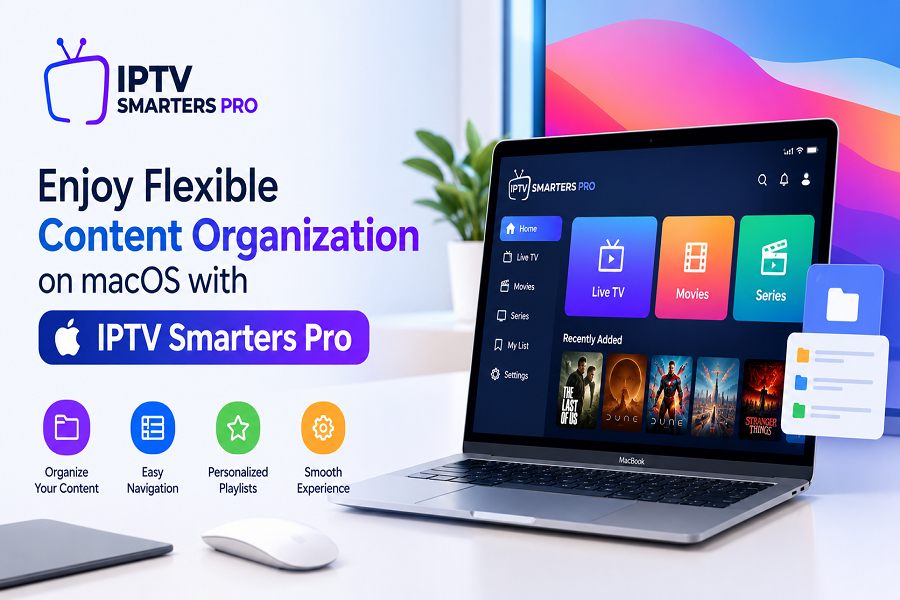
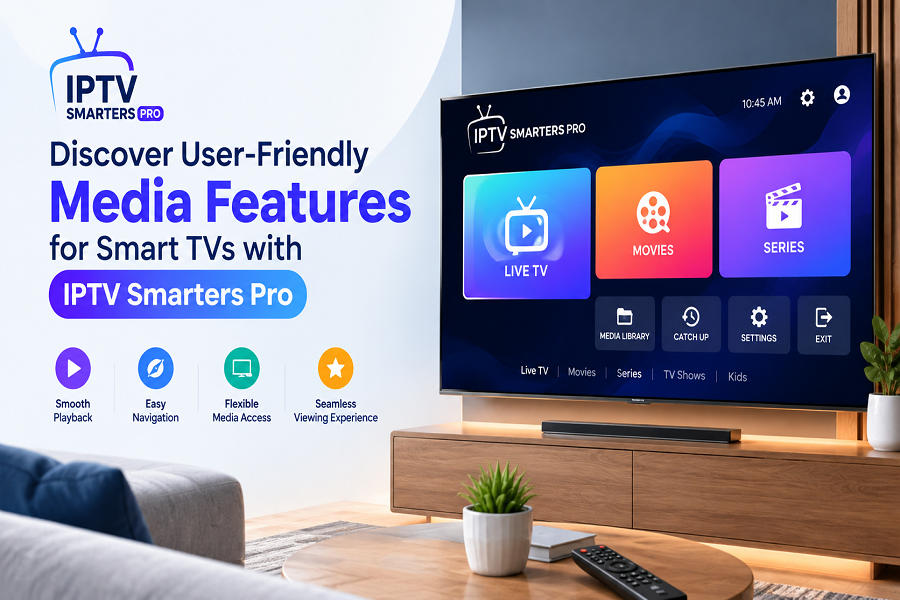
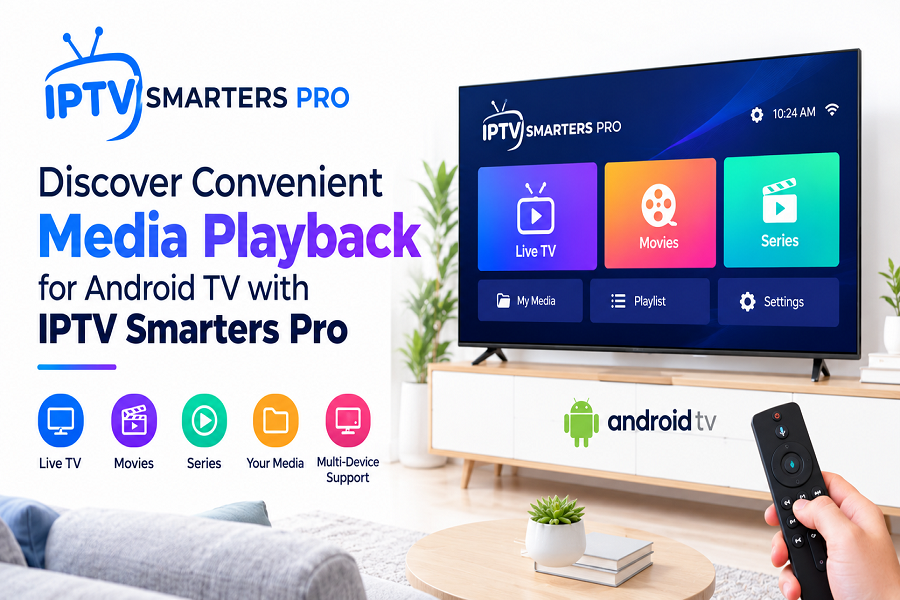
One of the biggest advantages of IPTV Smarters Pro is its availability across different device categories.The official website currently lists support for:
- Android
- iOS
- Android TV
- Smart TVs
- Windows
- macOS
Availability and supported features can vary by platform.This multi-device approach allows users to choose the platform that best fits their viewing setup.
What Makes IPTV Smarters Pro Different?
There are many media players available today, but they are not all designed for the same purpose.A basic video player may be ideal for opening individual files. An IPTV player, on the other hand, is generally more useful when users need to manage compatible playlists and media sources.
IPTV Smarters Pro combines these broader media-player capabilities with features designed around playlist organization, multi-screen viewing, EPG functionality, local playback, search, favorites, and other viewing tools.The result is a more flexible environment for users who want to manage their compatible media through one application.
How to Download the Latest IPTV Smarters Pro
Getting started is simple.
Step 1: Choose Your Device
Identify the device you want to use, such as Android, iOS, Smart TV, Windows, macOS, or Android TV.
Step 2: Visit the Official Download Page
Use the official IPTV Smarters Pro website and select the appropriate download option for your device.
Step 3: Check Compatibility
Before installing, make sure your device meets the requirements for the version you are downloading.
Step 4: Install the Application
Follow the normal installation process for your device.
Step 5: Connect Your Own Media Sources
After installation, add your compatible media sources or playlists and configure the player according to your preferences.Remember that IPTV Smarters Pro is a media player only. It does not provide channels, movies, series, IPTV subscriptions, playlists, or a preloaded media library. Users must provide their own content from lawful sources and are responsible for having the appropriate rights to access it.
Who Should Download IPTV Smarters Pro?
The latest IPTV Smarters Pro version can be useful for users who want:
- A dedicated IPTV player
- A flexible OTT media player
- M3U playlist support
- Multi-screen viewing
- Local media playback
- Easy content organization
- Support across multiple device types
- A modern and convenient media-player interface
If your current player feels outdated or difficult to manage, trying the latest available version can be a practical way to refresh your viewing setup.
Is IPTV Smarters Pro Free to Use?
The availability, pricing, and features can vary depending on the platform and version. Users should check the official download page for the latest information applicable to their device.The important distinction is that IPTV Smarters Pro itself is a media player and does not bundle media content or subscriptions.
Final Thoughts
A good media player should make your content easier to access rather than making the viewing process complicated.With its support for compatible M3U playlists, local media, EPG functionality, multi-screen viewing, parental controls, subtitles, favorites, search, and external players, IPTV Smarters Pro offers a flexible environment for managing and playing your own compatible media.
If you're still using an older version, now is a good time to check the official website and download the latest IPTV Smarters Pro version available for your device.
Experience a cleaner interface, flexible media management, and a modern approach to IPTV and OTT playback — all through one versatile media player.