Manage Your Favorite Content Playlists on iOS Devices with IPTV Smarters Pro
Amanpreet Singh4 min read
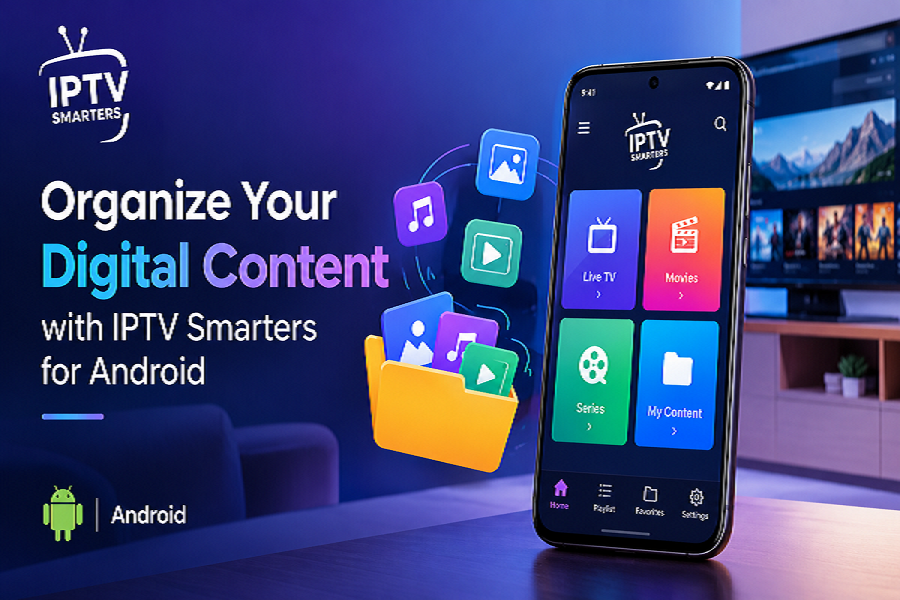
IPTV Smarters Pro for IOS is a relevant option for users looking for a media player experience on supported Apple devices. Availability and specific features may vary according to the application version, device, and distribution channel.
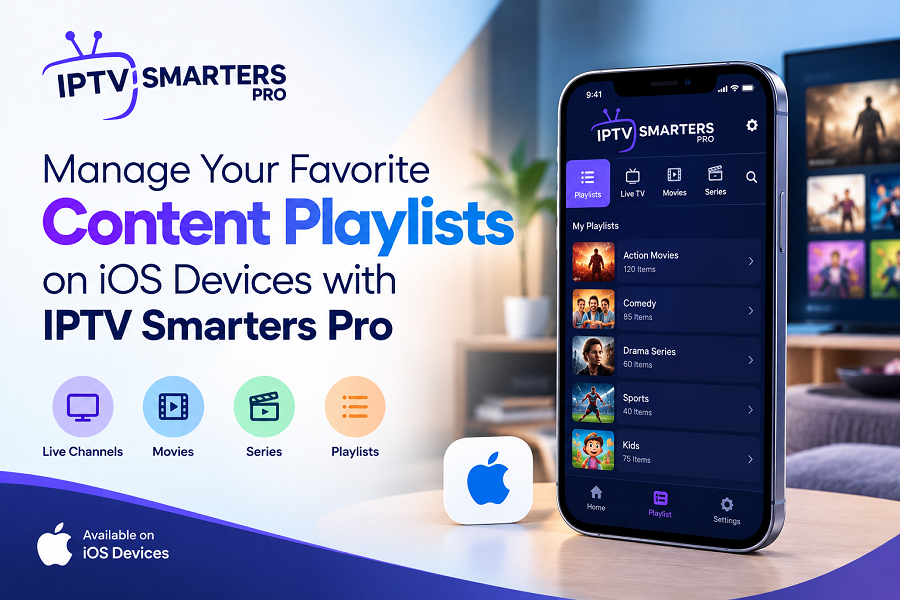
Managing personal digital content on an iPhone or iPad can be easier with a media player that offers convenient navigation and flexible playlist support. A well-designed application helps users organize their favorite movies, series, music, and other media in one accessible place. With playlist compatibility and practical playback controls, users can enjoy a more organized experience while accessing content they own or are authorized to use.
Simplify Digital Media Management on iOS
Apple devices provide a convenient way to browse and enjoy digital content throughout the day. However, managing multiple playlists and media sources can become challenging without a suitable application. A dedicated media player helps simplify this process by providing a central interface for organizing and accessing supported content.
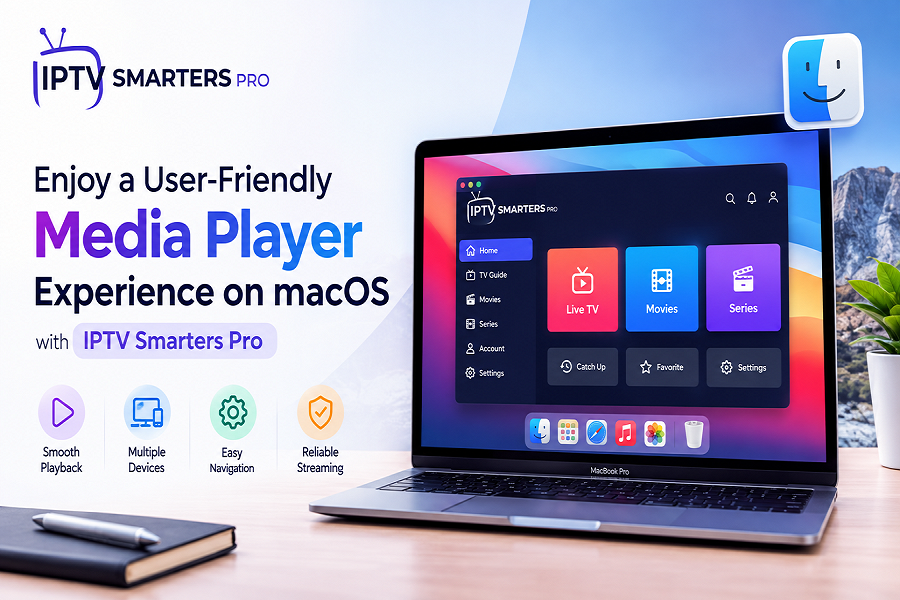
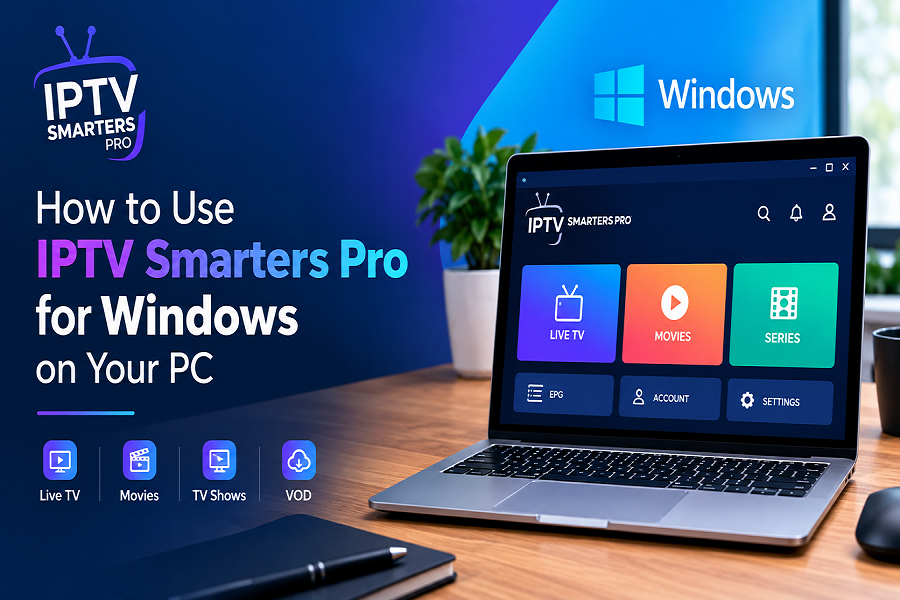
IPTV Smarters Pro offers a user-friendly media player experience for compatible devices. Its intuitive interface helps users navigate playlists, explore available media, and access playback options without unnecessary complexity.
Key benefits of organized media management include:
- Easy navigation: Browse available playlists through a structured interface.
- Convenient access: Keep supported media sources organized in one application.
- Flexible playback: Use available playback controls to suit personal preferences.
- Improved organization: Find desired content without repeatedly searching through different sources.
These features can make everyday media browsing more convenient for users who prefer a simple and organized digital experience.
Explore Playlist Compatibility and Import Options
Playlist compatibility is an important consideration when selecting a media player. Different sources may use different formats, so support for commonly used playlist types can help users manage their collections more effectively.
M3U Playlist Support
M3U is a widely used playlist format that organizes references to media files and supported streams. Compatible players can use these playlists to display available content in an organized format.
When adding an M3U playlist, users should ensure that the file or source is valid and compatible with their application. Proper playlist setup can help make media browsing more straightforward.
JSON Playlist Compatibility
JSON is another format used to structure and exchange digital information. When supported by the application and the provided source, JSON playlists can help organize media entries and related information.
Using compatible playlist formats gives users additional flexibility when managing content from different sources.
Managing Local and Remote Sources
Depending on the application's supported features, users may be able to add media references from local storage or remote locations. Before importing a playlist, verify that the source is accessible and that you have permission to use its content.
Enjoy a User-Friendly Experience on iPhone and iPad
A clear interface plays an important role in making a media player easy to use. Small screens require practical navigation, readable menus, and accessible playback controls.
IPTV Smarters Pro for IOS is a relevant option for users looking for a media player experience on supported Apple devices. Availability and specific features may vary according to the application version, device, and distribution channel.
A convenient interface can help users:
- Browse available playlists with less effort.
- Select content from supported media sources.
- Navigate menus and playback settings.
- Maintain a more organized approach to personal media.
- Access supported features through familiar device controls.
For the best experience, users should check device compatibility and follow the application's setup instructions.
Tips for Keeping Your Playlists Organized
An organized playlist library makes it easier to find preferred content and maintain a consistent browsing experience. A few simple practices can help users manage their collections more efficiently.
- Use Clear Playlist Names
Choose descriptive names that identify the purpose or source of each playlist. Clear labels make it easier to distinguish between different collections.
- Check Playlist Links Regularly
Remote playlist sources may change or become unavailable. Review your playlist information periodically and update outdated links when necessary.
- Remove Duplicate Entries
Duplicate playlists can make navigation confusing. Review imported sources and remove unnecessary duplicates where the application provides that option.
- Keep the Application Updated
Use a supported application version and install updates through trusted distribution channels. Updates may improve compatibility, stability, security, or usability.
- Protect Your Personal Information
Avoid sharing private playlist links or account credentials. Use trusted sources and review the permissions requested by applications before providing sensitive information.
Improve Your Everyday Media Experience
An effective media player combines playlist compatibility, intuitive navigation, and useful playback controls. These elements help users spend less time organizing sources and more time enjoying their personal digital collections.
When choosing a solution, consider its supported playlist formats, device compatibility, available features, and ease of setup. It is also important to use authorized media sources and follow applicable content restrictions.
With a well-organized playlist library and suitable playback tools, iPhone and iPad users can create a more convenient way to browse movies, series, music, and other digital content. A straightforward interface and flexible organization options can make managing personal media easier across compatible devices.